Fortnite mobile: how to play Fortnite on the go


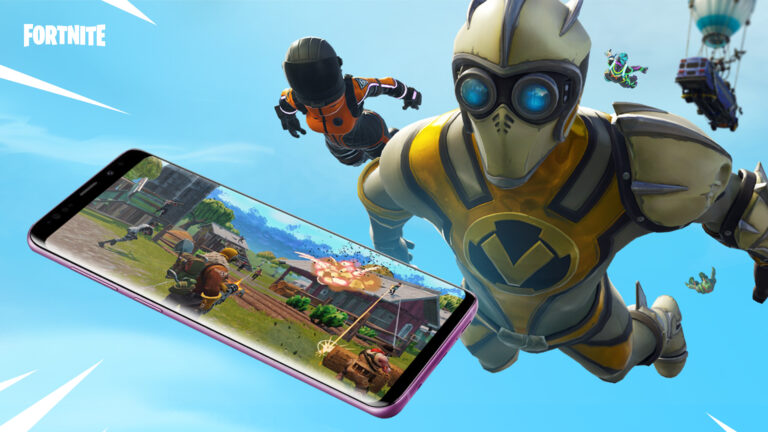
Away from home but still hungry for Victory Royales? Fortnite mobile is the perfect way to play if you don’t have access to a console or PC.
It doesn’t matter where we are or what we’re doing, a gamer’s gotta game. There have been plenty of iconic moments in Fortnite history, and you won’t want to miss the next big event.
Luckily, with Fortnite for mobile, the Battle Bus is only ever a click away!
What is Fortnite mobile?
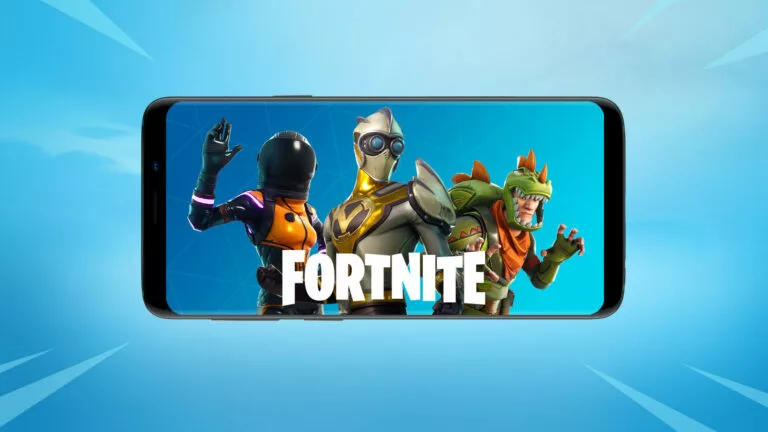
Glad you asked. Fortnite mobile offers the same 100-person Battle Royale experience that you know and love, just optimized for smaller screens.
You still get to enjoy all the standard updates and new content, as well as Fortnite Creative mode. You can even connect a Bluetooth controller if you don’t get on with the touchscreen controls.
Fortnite mobile is available on Android phones, Android tablets, iOS, and iPad, though you will need to use a workaround on Apple devices.
Get Fortnite mobile for Android
Here’s how to get started with Fortnite Android:
- Download the free Epic Games app on your Android device. Learn how you can get Fortnite on a Samsung Galaxy Device
- Open the Epic Games app and download Fortnite Android
- Once installed, sign in or create a new account
- Update your settings & start playing
If you log in to an existing account, you’ll have access to all your skins and progress will carry over.
Fortnite mobile iOS workaround
In August 2020, Epic Games took Apple to court over unethical practices. As a result, Fortnite was removed from the App Store, prompting the #FreeFortnite movement to trend globally.
Fortnite iPhone and iPad players were left stuck in Chapter 2 Season 3, until the start of Chapter 3 when they lost the ability to play entirely.
Fortunately, there is a workaround. You can play the latest version of Fortnite on iOS via cloud streaming on NVIDIA GeForce NOW:
- Open GeForce NOW in your Safari browser
- Select a membership plan (Don’t worry, there is a free option)
- Create or log in to an NVIDIA account
- Choose Fortnite from the selection of games and jump in
Do be aware that you need a decent internet connection for cloud gaming. If not, it can be very hard to keep up in those sweaty Fortnite mobile lobbies!



Related Articles
All Fortnite News
 Apex Legends
 Esports
 Fortnite
 Fortnite
 Fortnite
 Fortnite
 Fortnite
 Fortnite
 Fortnite
 Fortnite