


Here’s how to copy someone else’s crosshair in Valorant


Finding the perfect crosshair in Valorant is a process that can take time, so why not just copy someone else’s?
Valorant crosshair settings are complex, but the game allows tons of creative freedom for players looking to spice up their highlights with unique symbols and icons as a crosshair. Players have tried various crosshair styles, such as arrows, circles, and squares, but finding the code for each symbol can be challenging. The good news is that if they come across someone using a unique crosshair, players can simply copy the code from the game itself. Until they find your perfect match, fans can just copy the crosshair code of the best-performing player on their team.
Valorant allows players to copy the crosshair code of teammates and save it permanently in their account for later use. But they can only copy the code of a player they can inspect when they’re dead. This means the enemy crosshairs are out of bounds.
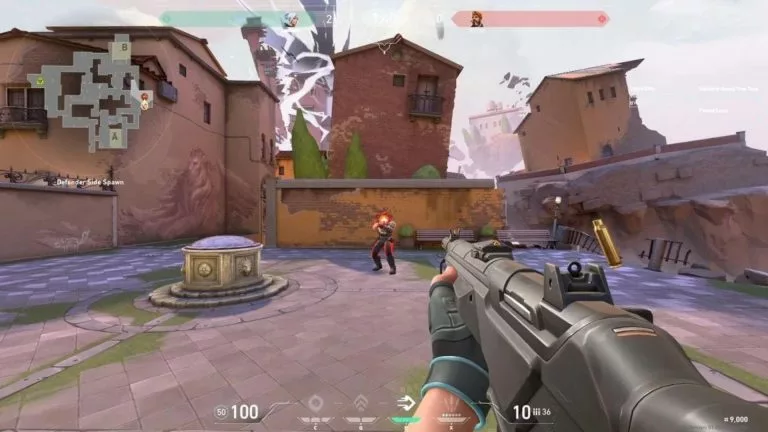
How to copy a crosshair code in Valorant
You can only copy the crosshair of another Valorant player on your team when you’re eliminated. It’s also worth noting that this method doesn’t work in Escalation and Deathmatch mode due to instant respawns.
- When you’re dead, inspect all players using a left mouse click and pause on the screen when you land on the player who’s using a crosshair you’d like to copy.
- Staying on the same screen, open chat and enter /copy crosshair copy or /cc in chat.
- The code will download into your settings.
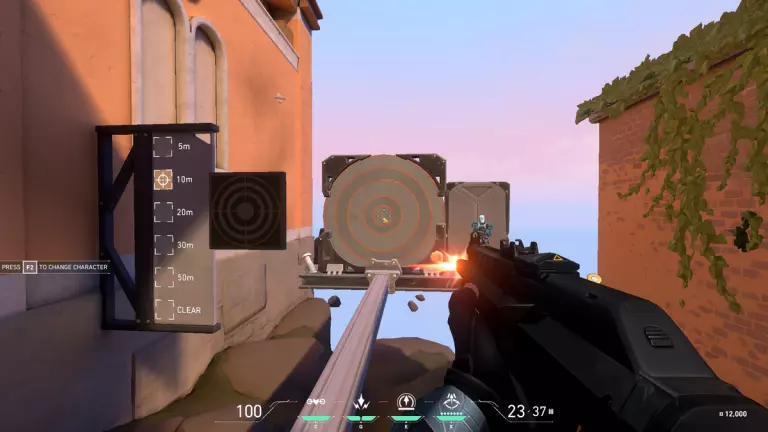
You can not start using the crosshair right away. Follow these steps to equip it in-game.
- Finish the game and go to your Valorant settings.
- Go to crosshair settings and click on the general tab.
- Click on the drop-down next to the “Crosshair Profile” option.
- Select the latest saved imported file. If you have more than one saved crosshair, select the one with the date when you saved a crosshair from in-game.
After completing these steps, players will have now equipped a copied crosshair in Valorant. Players can continue saving more crosshairs, just be sure to note the date for each one. Alternatively, players can rename them based on their symbols and shapes. To prevent losing saved crosshairs, be sure to delete old files, as players can only store up to 15 crosshairs in Valorant.





Related Articles
All Valorant News Valorant
 Esports
 Esports
 Valorant
 Valorant
 Valorant
 Valorant
 Esports
 Valorant
 Valorant
No comments yet







Leave a Comment
Join our community or access your account to post a comment.