


Here’s how to link your Marvel Rivals account with Discord and Twitch


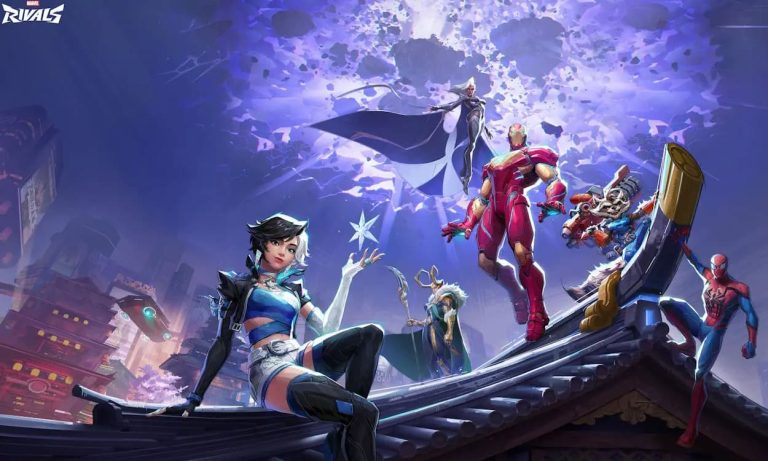
Marvel Rivals rewards players for linking their accounts to their Twitch and Discord accounts, though doing it can be a little confusing. Our quick guide will show you how.
Marvel Rivals is the hottest hero shooter since Overwatch initially came out in 2016. Developer NetEase Games discovered a recipe for success by combining the exhilaration of a fast-paced shooter with the familiarity of the Marvel Universe. Like other hero shooters, Marvel Rivals requires players to collect various currencies to unlock cosmetics and other personalization features.
Fortunately, the game is generous when it comes to giving away free cosmetics and other in-game loot. Players who don’t want to miss the chance to get free skins or currencies will want to link their Marvel Rivals accounts to other platforms. The two leading platforms players can get rewarded through include Twitch and Discord. Here’s how players can link their Marvel Rivals accounts to their Twitch and Discord accounts.
How to link a Marvel Rivals account to Discord
Players can link their Marvel Rivals account to Discord by joining the game’s official server on the social platform.
The first platform players can link their Marvel Rivals account to is Discord. In addition to the initial 100 free units players get for linking the two accounts, players can also use the official Discord server to meet like-minded players and get quick news about the game.
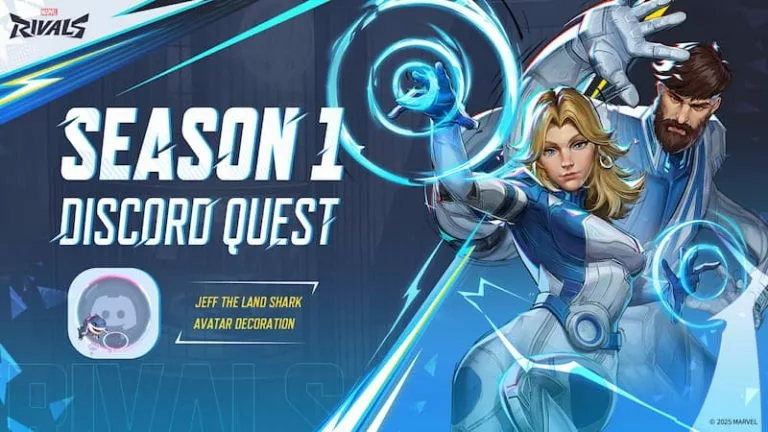
Some in-game events may require players to play Marvel Rivals with Discord running in the background. The player’s Marvel Rivals and Discord accounts must be linked to complete these events and acquire the rewards.
Here’s how gamers can link their Discord account with Marvel Rivals:
- Open Marvel Rivals.
- Go to the options menu by clicking on the button on the top-right corner.
- Click “community” and select the “Discord” option.
- A code will pop up. Write the code down somewhere or copy it if on a PC.
- Go to Discord.
- Join the official Marvel Rivals Discord server.
- Select the #in-game-binding text channel under the information category.
- The player must type or paste the code from the game and send it as a message in the channel.
- The two accounts will link together if the code is correct.
It’s recommended that players mute the Discord server notifications, or at least set them to mention only. The Marvel Rivals Discord server constantly receives new members as the community grows, which means a lot of messages in the server’s channels.
How to link a Marvel Rivals account to Twitch
Players can link their Twitch and Marvel Rivals accounts by going to the game’s website and connecting them there.
One of the many reasons for Marvel Rivals’ success is how many popular streamers consistently stream the game for their audience. The developer frequently enabled Twitch drops for certain partnered streamers to amplify this marketing tactic’s impact. Players must watch drop-enabled streams for a set amount of time with a Twitch account linked to their Marvel Rivals account to claim the drop. Marvel Rivals Twitch drops are usually in-game cosmetics like nameplates, sprays, emotes, or even skins.
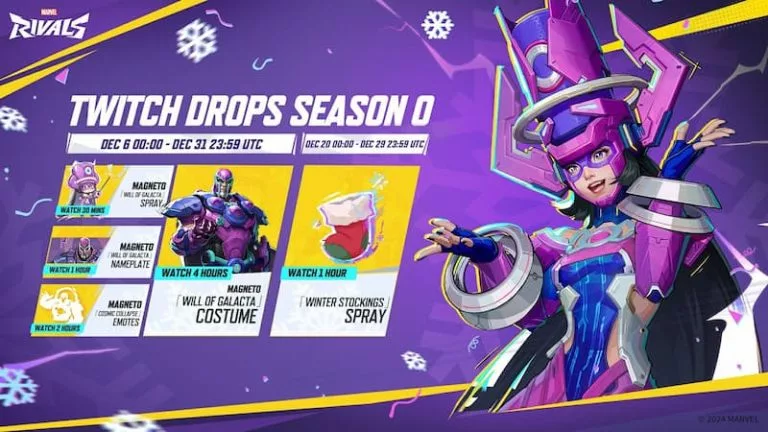
Follow these steps to link a Marvel Rivals and Twitch account:
- Go to the official Marvel Rivals website.
- Log into the account by clicking on the prompt in the top-right corner of the webpage.
- Click on the “profile” prompt in the top-right side of the window and select “my account” after logging in.
- Go to the “connections” tab in that menu and select Twitch.
- The player must log into their Twitch account and follow the on-screen instructions.
- There will be a confirmation message confirming if the linking is successful.
Twitch drops are common, especially to celebrate new seasons or heroes. Players should follow one or two streamers who regularly stream Marvel Rivals to increase their chances of catching drop-enabled streams.





Related Articles
All Gaming News
 Gaming
 Esports
 Esports
 Gaming
 Fortnite
 Gaming
 Fortnite
 Esports
 Gaming
No comments yet










Leave a Comment
Join our community or access your account to post a comment.