Pokémon UNITE Public Test: How to download and play


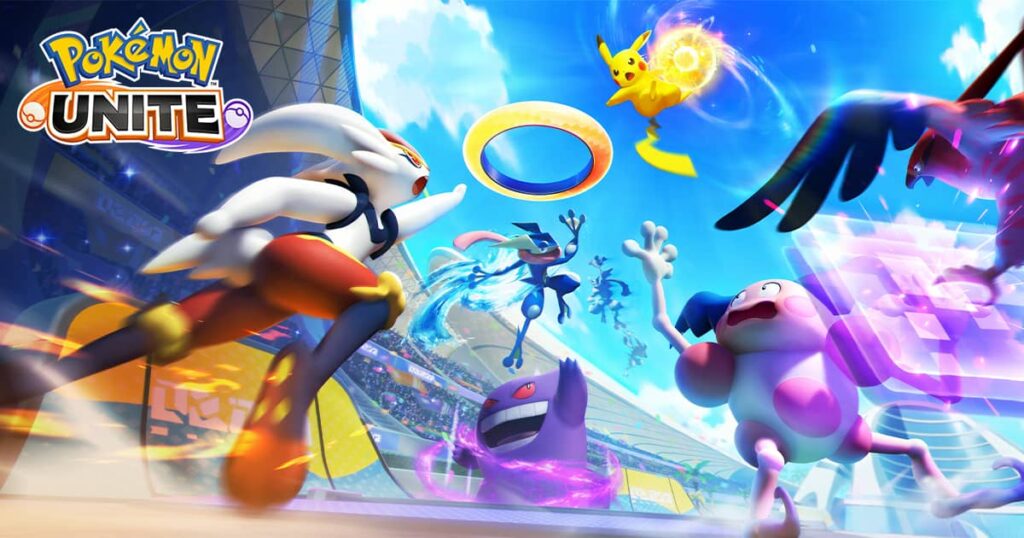
Can’t get enough of Pokémon UNITE? The Pokémon Company allows you to test upcoming features through the Pokémon UNITE Public Test.
The Public Test allows players to try out upcoming features and receive rewards for doing so. Here’s everything you need to know about it, including how to download it.
Everything you need to know about the UNITE Public Test
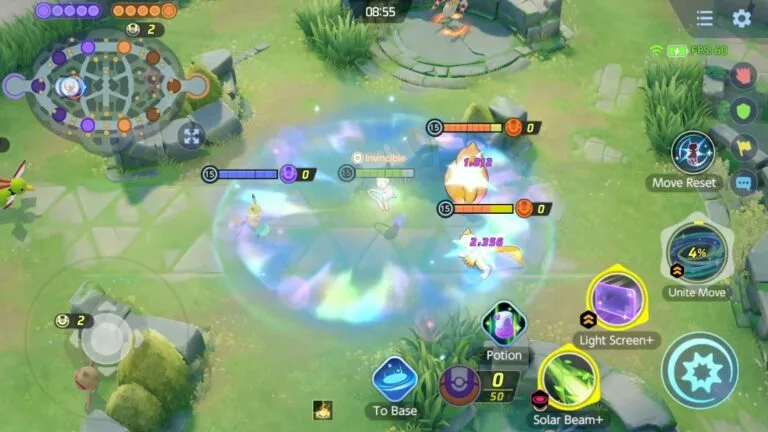
Can iOS users play the Pokémon UNITE Public Test?
No, the UNITE Public Test is only available to Android users in select regions
Who is eligible to play in the Pokémon UNITE Public Test?
Players have to be a minimum of 16 years old and should reside in either the Philippines, Indonesia, Thailand, Malaysia, Singapore, or India to play the Public Test.
What is different in the Pokémon UNITE Public Test compared to the live game?
The public test contains upcoming features which could include Pokémons, held items, and more for players to test out before they officially release. This is done to ensure game balance and remove bugs before they emerge on live servers.
Will data from the Pokémon UNITE Public Test affect the main game?
No, the Public Test and the main version of Pokémon UNITE are separate. The game data and the progression in the Public Test won’t affect the main game.
Can I get rewards for playing the Pokémon UNITE Public Test?
Yes, you can complete an in-game survey while playing the Public Test to receive a reward code, containing in-game items or currency. This code can be redeemed in the main game.
How to download the UNITE Public Test:
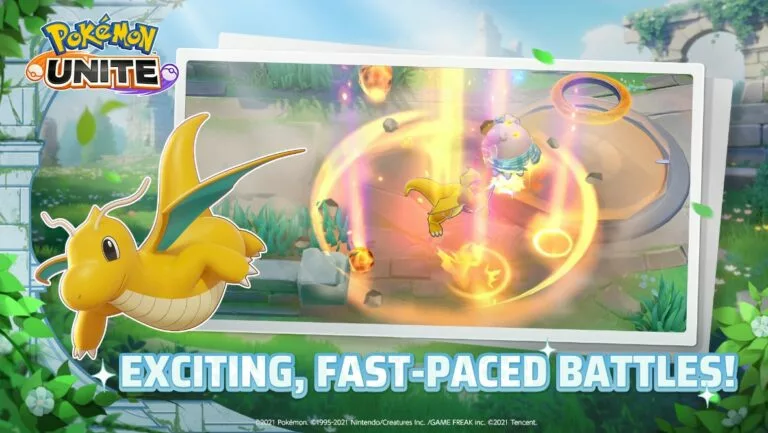
The test is open to all Android users in the aforementioned regions. To download it, follow these steps:
- Head over to the official Public Test website.
- Scroll down to the “Download Now” bottom.
- Press “Download Now.”
- Check the disclaimer tickbox (preferably after reading its contents).
- Press “Download” to confirm.
- The APK file will begin downloading. Once it has finished, click on it to begin the installation process.
Once you have finished downloading it on your device, click on it and enjoy. Be sure to fill out any surveys, or you will not receive any rewards.
The Pokémon Company has also said that it may delete the data and update the Public Test at any given time without prior notice.
- Up Next: Is Auto Chess MOBA: Dota 2 coming to mobile?



Related Articles
All Gaming News
 Fortnite
 CS2
CS2
 Gaming
 Esports
 Esports
 Gaming
 Fortnite
 Gaming
 Fortnite



 World Cup. EA FC 25. (2x4 min)


 3v3 League. EA FC25 (2x3 min)


 ESEA Advanced Season 58 North America


 CIS LAN Championship 7


 Arena of Glory Winter 2026