


The best way to extract from Delta Force operations


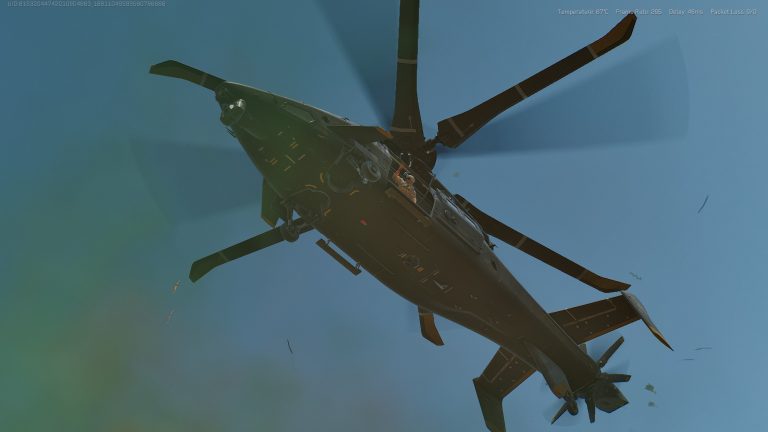
Operations mode has arrived alongside the release of free-to-play Delta Force, and offers a familiar experience to those who enjoy the get-in-and-get-out mode. Given that it’s an extraction mode, players will need to know how to extract in Operations mode while playing Delta Force.
Delta Force’s extraction shooter mode features many of the functions you’re used to in extraction shooters like Escape From Tarkov and Gray Zone Warfare. There’s an inventory stash to manage, vendors to shop from and complete missions for, and a base to improve with additional stations and upgrades over time. To do any of this though, players need to escape safely when exploring one of the many maps.
Here’s how to extract while playing Operations in Delta Force.
How to extract in Operations in Delta Force
To extract in Delta Force Operations, players will have to locate one of four different extraction methods and fulfill the requirements to use them.
- Conditional Extraction Points: These extraction points require players to perform a specific action in order to use them ranging from activating a switch that opens the point for a certain amount of time or unequipping a specific piece of gear so they can fit through
- Paid Extraction Point: These extraction points require players to pay a specific amount of Tekniq Alloy coins, and since they can’t bring those coins into the mission, they will need to complete missions or tasks in order to pay their way out
- Random Extraction Point: An extraction point randomly assigned somewhere on the map, though these can disappear or go inactive if players don’t reach them in time or if another team of players reaches them first
- Permanent Extraction Point: An extraction point specific to the map that is always present and always available
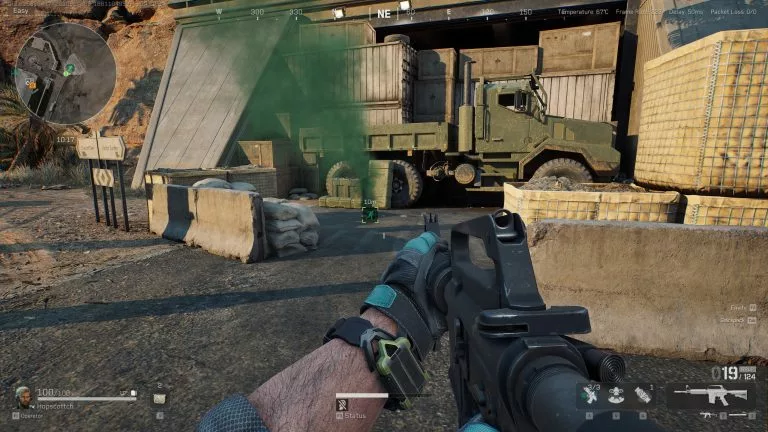
Once you arrive at the extraction point, assuming it’s open, a brief countdown timer will appear. On easier maps at oermanent extraction points, this timer can be as short as just 10 seconds, or up to 30. If you engage in combat with another player or enemy AI, the timer can reset.
When the timer completely runs down, a brief cutscene will take place, and extraction will be complete, ending the mission. For players in a group, they do not have to wait for teammates to extract before leaving the mission.





Related Articles
All Gaming News
 Gaming
 Esports
 Esports
 Gaming
 Fortnite
 Gaming
 Fortnite
 Esports
 Gaming
No comments yet










Leave a Comment
Join our community or access your account to post a comment.