


The fastest way to remove bots in CS2


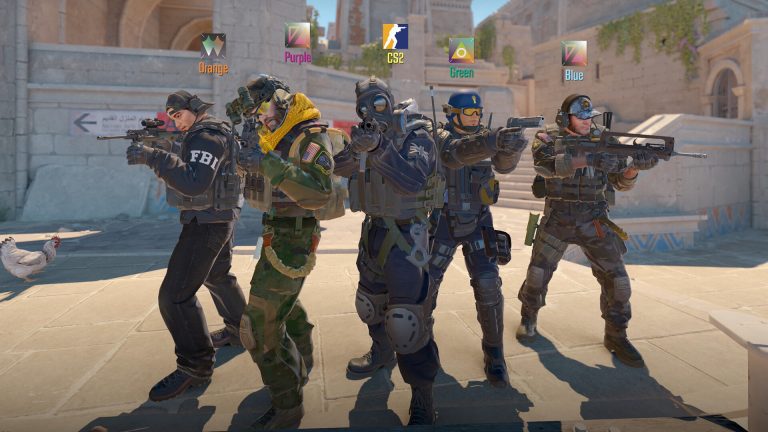
Bots are a helpful part of any introduction to CS2, but they can sometimes get in the way and need to be removed.
One of Valve’s key mechanics across its games is AI practice bots. In CS2, they can either be teammates or opponents that are both controllable to a certain extent. These allow the player to learn game mechanics outside of an active map, practice different strategies, and more. However, bots can sometimes glitch, get in the way, or just not be needed anymore.
For players ready to move beyond practice rounds or otherwise remove AI influence, here’s how to remove all bots from their CS2 maps.
Remove bots in CS2 through the developer console
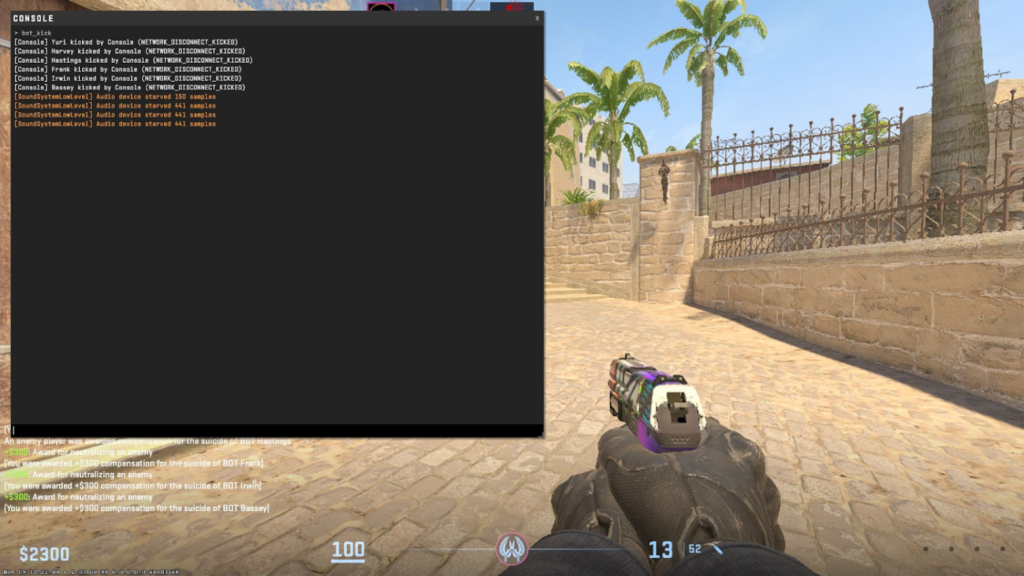
Players can remove bots by entering commands within CS2’s developer console.
In CS2, the developer console is the direct interface to the game itself that allows players to make more advanced configuration changes. To enable the console, go into the game tab and click enable developer console. After that, hit the tilde (~) button at anytime during the match to access the command line.
Once in the developer console, players can type any of the following commands to get rid of bots. There are more general removals as well as targeted ones.
- bot_kick: remove all bots
- bot_kick T: remove terrorist bots
- bot_kick CT: remove counter-terrorist bots
- bot_kick “Name”: remove any bots with a specific “name”
How to add or edit CS2 bots
For CS2 players looking to add bots or edit their difficulty level, they can also do so through the console.
Players can add back in any bots by accessing the command line. Unlike removing bots, only one bot can be added back in at a time.
- bot_add: add in a random bot
- bot_add T: add in a terrorist bot
- bot_add CT: add in a counter-terrorist bot
Another option is to change the difficulty of a bot by entering bot_difficulty[n], where n is a number from zero to three. The higher the number, the more difficult the bot will be to beat. This is helpful for both players who want more opposition and those who want to make it easier to practice new techniques.
Adding and removing bots in CS2 is an easy process through the command line. There are other setting changes that players can make to potentially improve their performance, but getting the basics down first is key.



Related Articles
All CS2 News CS2
CS2 CS2
CS2 CS2
CS2 CS2
CS2 CS2
CS2 CS2
CS2 CS2
CS2 CS2
CS2 CS2
CS2 CS2
CS2No comments yet









Leave a Comment
Join our community or access your account to post a comment.