


You can now gift skins to friends in Valorant, here’s how


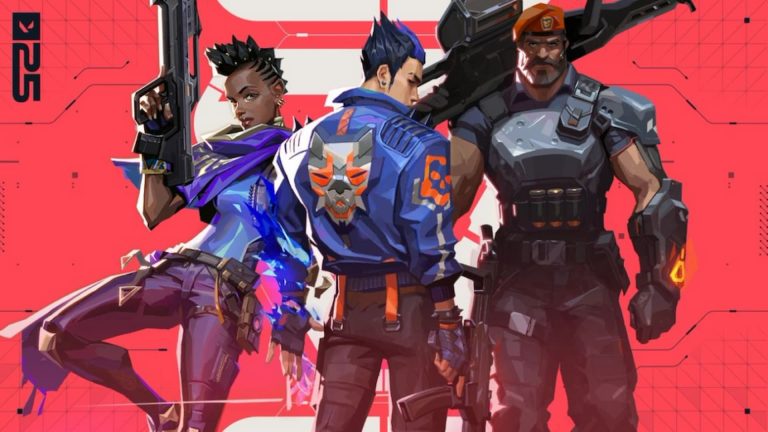
Riot Games has finally released the much-awaited skins gifting feature for Valorant, and here’s how players can use it to send skins to their friends in the game.
Riot’s Valorant is one of the most popular competitive games in the world and is famous for its tight, tactical gameplay. The team-based game ensures that gamers develop friendships and rivalries alike, and players may want to gift each other items in the game. Valorant didn’t support skin gifting originally, so fans had to make do with giving friends gift cards.
Other games like Counter-Strike 2 and Dota 2 have had the feature for some time, which has made Valorant fans want it even more so they can also experience the fun of gifting their favorite skins to friends. Riot has stated that they were working on the feature, but a release date wasn’t shared. Now the feature has suddenly been added to Valorant.
Limitations to the skin gifting in Valorant
Riot Games has set some rules and restrictions for fans to follow when they can gift skins to friends in Valorant.
Valorant’s skin gifting feature is available on both PC and consoles but players can only send or receive them from other players in their friends list. Gifts can only be sent from the Featured Store and the items are also restricted to the store, with a further expansion planned for the future. It’s up to the sender whether they send an individual item or a complete bundle. The player receiving the gift must also have an active account and not be banned or suspended.
The player sending the gift also needs to have an active account that is at least level 15. Players can send individual skins or complete bundles according to preference. Riot has also given the option for the recipient of the gift to either accept or reject the gifted skin.
There is a limit of five gifts that players can send or receive per day. If the recipient doesn’t claim the gifts then they’ll eventually be refunded. Both players must be on the same game shard and players can’t gift items that the recipient already owns.
How to gift skins in Valorant
Gifting skins in Valorant is straightforward and players can begin sending items to their friends by following just a few simple steps.
Follow the steps listed below to gift skins to friends in Valorant:
- Launch the Valorant game client
- Head to the Featured Store section
- Find the item or bundle you want to gift to a friend
- Make sure you have sufficient Valorant Points for the purchase
- Press the gift button at the lower right corner
- Choose a recipient from your list of friends
- Choose the item you intend to gift and click next
- Confirm the selection and click to purchase
Once these simple steps have been followed, the gift will be sent and your friend should receive it shortly.



Related Articles
All Valorant News Valorant
 Esports
 Esports
 Valorant
 Valorant
 Valorant
 Valorant
 Esports
 Valorant
 Valorant
No comments yet







Leave a Comment
Join our community or access your account to post a comment.