


Every way to fix the reconnect loop in League of Legends


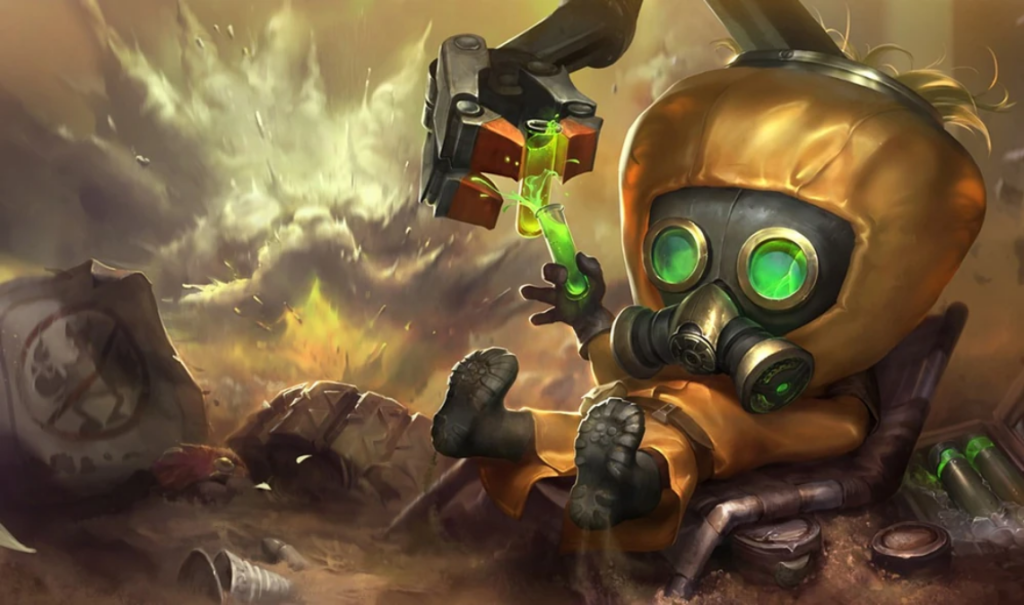
As much as League of Legends should run smoothly as possible, players can experience errors from time to time, including the reconnect loop.
The reconnect loop occurs after the champion selection phase whenever players enter the match queue. The game shuts down immediately and players are redirected to the launcher while being stuck with the reconnect window. Of course, this disrupts the supposed smooth gaming experience of LoL players. Some fixes, however, may help resolve this issue once it happens.
There are several ways to fix with the reconnect loop in League of Legends, and this guide compiles all of those.

How to fix the reconnect loop in League of Legends
As per the official support page of League of Legends, here are some of the latest fixes available to solve the reconnect loop.
Disable compatibility and run as administrator
This method involves unchecking the boxes in the properties tab to fix the reconnect loop. Go to the League of Legends.exe file which is usually in the following folder.
C:Riot GamesLeague of LegendsGame
Then, right-click the League of Legends.exe file, select properties, and clear all the checkboxes that can be found in this tab.
Disable debug memory dump
Players can also disable the debug memory dump. Press Windows key plus R, then type sysdm.cpl followed by enter. Once the selection tab appears, choose the advanced tab, then startup and recovery to settings. Change the debugging information to (none), and restart your computer to fix.
Disabling external programs
Programs like Citrix Workspace and security software such as Comodo and Emisoft may also cause the reconnect loop in League of Legends. Locate these programs in the control panel or settings to disable them.
Other ways to fix the reconnect loop
Additionally, using a VPN may also help fix the reconnect loop if it occurs. General fixes such as repairing the game, running League as the admin, and downloading and installing computer updates may also help solve the error in case the methods above are not working. But if all of these are not helping in any way, try submitting a ticket to the Riot customer service as the last resort.





Related Articles
All LoL News LoL
LoL LoL
LoL LoL
LoL LoL
LoL LoL
LoL LoL
LoL LoL
LoL LoL
LoL LoL
LoL LoL
LoLNo comments yet











 World Cup. EA FC 25. (2x4 min)


 ESEA Advanced Season 59 Europe


 Copa Libertadores. EA FC 25. (2x4 min)


 Champions League. EA FC 25 (2x4 min)


 England. Premier League. EA FC 25. (2x4 min)






Leave a Comment
Join our community or access your account to post a comment.