


Here’s how to solve the dreaded “Unknown DirectX Error” in LoL


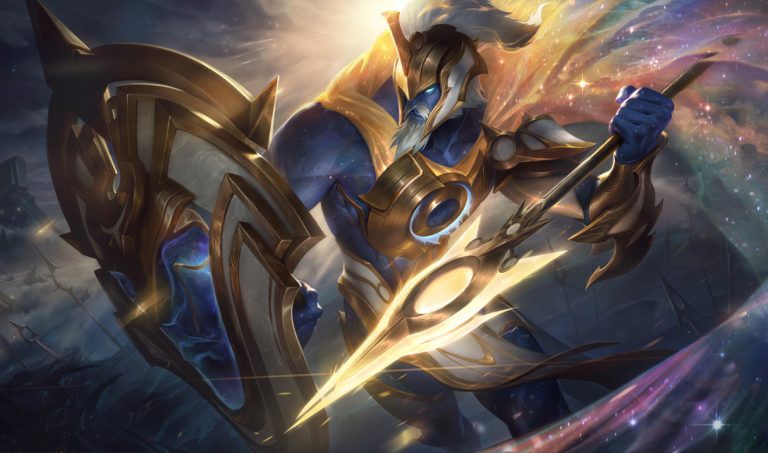
The League of Legends error that says “Unknown DirectX Error” will often tell you to update your drivers, but it can be lying to you, making it a tough problem to solve for some LoL players.
There are lots of bugs in League of Legends, especially around the League of Legends client. LoL players encountering the “Unknown DirectX Error” are likely to suspect that it’s a simple graphics driver issue, but it’s not necessarily quite that easy to solve. Here’s what could be causing this error, and how to fix it.
What causes “Unknown DirectX Error” in LoL?
There are tons of errors in League of Legends that are initially unclear in their cause, and whether they are the player’s fault or that of developer Riot Games and its infamously unstable client. This error, luckily, isn’t one that can be caused by Riot Games’ servers. So it should be directly in the players’ power to solve the annoying “Unknown DirectX Error” message.
Depending on the each individual player’s specific case, the issue can be caused by out-of-date drivers or by glitchy configuration files inside of League of Legends. Either way, here’s how to fix it.
How to solve the “Unknown DirectX Error” in League of Legends
- Start by updating your graphics drivers. This can be done most easily enough through your GPU manufacturer’s driver database. Nvidia users can make use of GeForce Experience to update their Nvidia GPUs.
- Search for any driver updates, apply of those updates that are missing from your system, then restart both League of Legends and the Riot Games client.
- If steps one and two don’t work when combined together, find your game.cfg file. The default file path is C:Riot GamesLeague of Legendsconfig.
- Delete the game.cfg file once it has been located in your League of Legends config folder.
- Open your system’s task manager, and forcibly end any and all League of Legends and Riot Games client processes.
- Restart your computer, and relaunch the Riot Games client, and then relaunch the League of Legends application specifically.
If none of these fixes work, it’s likely a more involved and potentially serious cause that’s at the heart of it. Your best bet at that point is to file a ticket directly with Riot Games Support. Fans can also use Riot Games’ official Hextech Repair Tool to pack their game files into a .zip file that Riot Games support can use to trawl through the files themselves to help find the exact issue.





Related Articles
All LoL News

 Esports
 LoL
LoL LoL
LoL LoL
LoL LoL
LoL LoL
LoL Esports
 LoL
LoLNo comments yet







Leave a Comment
Join our community or access your account to post a comment.