


3 easy way to fix LoL’s Error 004


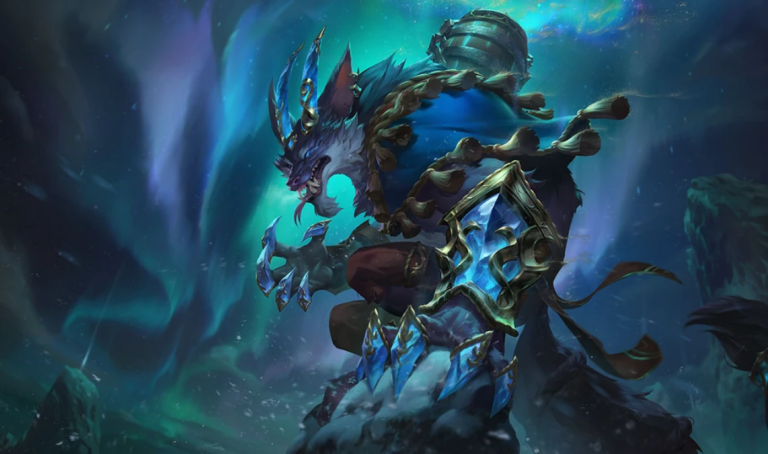
If Error 004 is popping up and putting an end to the League of Legends grind, we’ve got the solution.
The League of Legends client is known for all sorts of hard-to-understand bug codes and errors, some of them profusely hard to solve. Luckily, Error 004 is a pretty easy-to-solve error code in the scope of things.
Here’s the fastest way to fix LoL Error 004 and get back on Summoner’s Rift.
How to fix LoL Error 004
LoL players can fix Error 004 relatively easily since the error is caused by a lack of storage space.
Error 004 is caused by an insufficient amount of storage on the drive that contains League of Legends. Usually, this will pop up while patching the game from inside of the League of Legends client itself. Wherever the game is being stored, it doesn’t have enough space. However, if you’ve got some valuable data, there are a few options you may want to consider.
- Delete files on the same drive as League of Legends. Use the Add or Remove Program tool in the Windows Control Panel or delete files in the recycling bin
- Move League of Legends to another drive. The default path for League of Legends on Windows is C:Riot GamesLeague of Legends, and players can move the entire Riot Games file to the new drive. Users will need to create a new shortcut to launch the game, as the old shortcuts will be pointing to a directory that no longer exists.
- Move League of Legends to an external hard drive. This isn’t recommended, as most EHDs will run significantly slower than the base computer. If required, we recommend moving other files that aren’t games into the external hard drive before resorting to trying to boot LoL from one.
That’s all players need to know to solve Error 004 in the League of Legends client. Just freeing up some space on the hard drive will allow new updates to download and install correctly. If players still can’t solve it using one of the methods outlined above, they can always fill out a ticket with Riot Games Support and wait for an official update.





Related Articles
All LoL News LoL
LoL LoL
LoL LoL
LoL LoL
LoL LoL
LoL LoL
LoL LoL
LoL LoL
LoL LoL
LoL LoL
LoLNo comments yet










Leave a Comment
Join our community or access your account to post a comment.