


EliGE CS2 settings: Play like NA’s greatest hope


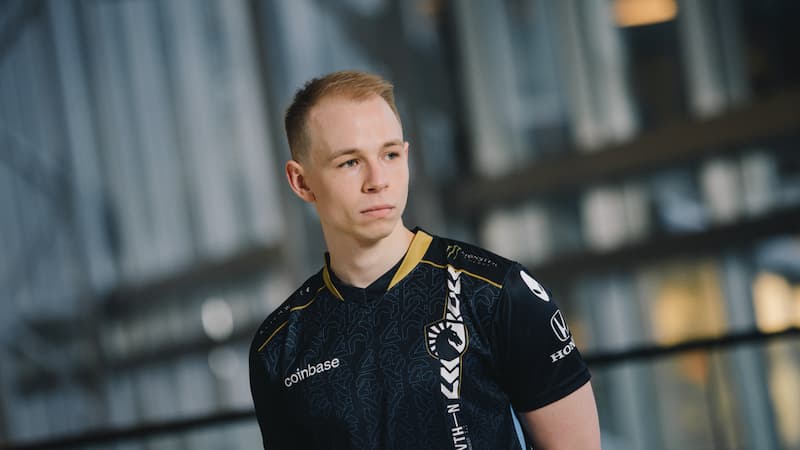
Complexity Gaming’s CS2 player Jonathan “EliGE” Jablonowski has many fans who want to know his settings to emulate him, and his settings are fortunately public information.
EliGE is a professional Counter-Strike 2 player from the United States playing for Complexity Gaming. He’s considered one of the best Counter-Strike 2 players and always plays in high-tier tournaments like ESL Pro League. EliGE is also considered one of the most generous professional CS2 players for his previous interaction with university teams. With years of competitive gaming under his belt, it’s only natural that he’s garnered a sizable fanbase that wants to play like him.
Fans have figured out the settings he uses to play CS2 through numerous live streams and tournaments. Thanks to this, players who want to replicate his style can copy his settings when they play Counter-Strike 2.
What are EliGE’s Counter-Strike 2 settings?
Fans deduced EliGE’s Counter-Strike 2 settings through tweets, live streams, and videos.
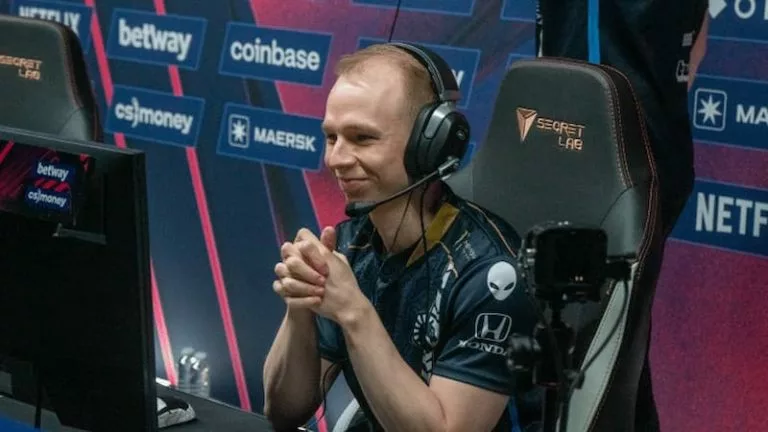
A video by ESL reveals most of EliGE’s settings in Counter-Strike 2. Fans who want to play like the former Team Liquid CS2 player EliGE can use his settings as a baseline to find what works best for them. These include his video, crosshair, mouse, and even peripherals settings.
Video settings
- Resolution – 1680×1050
- Aspect Ratio – 16:10
- Display Mode – Stretched
- Global Shadow Quality – High
- Model/Texture Detail – Medium
- Shader Detail – Low
- Particle Detail – Low
- Boost Player Contrast – Enable
- Multisampling Anti-Aliasing Mode – 4x MSAA
- Texture Filtering Mode – Bilinear
- Vertical Sync – Disabled
- Motion Blur – Disabled
- Triple-Monitor Mode – Disabled
- Use Uber Shaders – Disabled
- Nvidia Reflex Low Latency – Enabled
- High Dynamic Range – Quality
- Ambient Occlusion – Medium
Crosshair settings
- Style: Classic Static
- Follow Recoil: No
- Dot: Yes
- Length: 0
- Thickness: 1
- Gap: -5
- Outline: Yes
- Color: Cyan
- Red: 255
- Green: 100
- Blue: 255
- Alpha: Yes
- Alpha Value: 255
- T Style: No
- Deployed Weapon Gap: No
- Sniper Width: 0
- Crosshair code: CSGO-rKc4z-te7O5-rS5zZ-5kZye-BQQhG
Mouse settings
- DPI – 1600
- Sensitivity – 0.74
- Hz – 2000
- Zoom Sensitivity – 0.8
- Windows Sensitivity – 6
- eDPI – 1184
Peripherals
- Monitor – BenQ ZOWIE XL2566k
- Keyboard – Wooting 80HE Black
- Mouse – Logitech G Pro X Superlight 2 White
What are some of EliGE’s stand-out moments?
EliGE has been named the MVP in four high-level tournaments, showcasing his CS2 skills.
EliGE was named the HLTV MVP in the DreamHack Masters Dallas 2019, ESL Pro League Season 9: Finals, IEM Chicago 2019, and ESL Pro League Season 11: North America. Alongside being named the HLTV MVP multiple times, he’s also ranked in the top 20 best players by HLTV. This achievement made him the first North American player to rank in HLTV’s Top 20 Players of the Year on multiple occasions.
While EliGE’s in-game settings helped him perform great at these tournaments, it wasn’t the only thing. The professional CS2 player has mastered his craft and tweaked his skills through years of professional play. Someone with a similar playstyle to EliGE will likely benefit greatly from replicating his settings.





Related Articles
All CS2 News

 CS2
CS2 CS2
CS2 CS2
CS2 CS2
CS2 CS2
CS2 CS2
CS2 CS2
CS2No comments yet




 Brasileirao Serie A. EA FC 25. (2x4 min)


 World Cup. EA FC 25. (2x4 min)


 3v3 League. EA FC25 (2x3 min)


 ESEA Advanced Season 58 North America


 CIS LAN Championship 7






Leave a Comment
Join our community or access your account to post a comment.