


The best way to use cross platform in Apex Legends



Respawn Entertainment made sure that players can team up with their friends by using cross platform features in Apex Legends, but how can players actually use them?
Cross platform allows Apex players of different platforms to play on one server. This means that if a PlayStation player wishes to play with their friend who uses an Xbox, they can still play together and both enter the same match queue. All platforms that support Apex Legends can be connected with one another, allowing friends from across the gaming world to play together.
To get started, here is a step-by-step guide to making cross platform lobbies in Apex Legends.
How to set up cross platform lobbies in Apex Legends
Here’s the fastest way to set up cross platform multiplayer lobbies in Apex Legends.
First, Apex Legends players need to make sure that cross platform is enabled. This can be done by going to the game lobby and selecting the cog wheel in the bottom right corner of the screen. Select settings and scroll down until the cross platform option appears. Choose the enable option to allow Apex players using other platforms to play together. If a player wishes to not allow cross platform, they can choose the disable option.
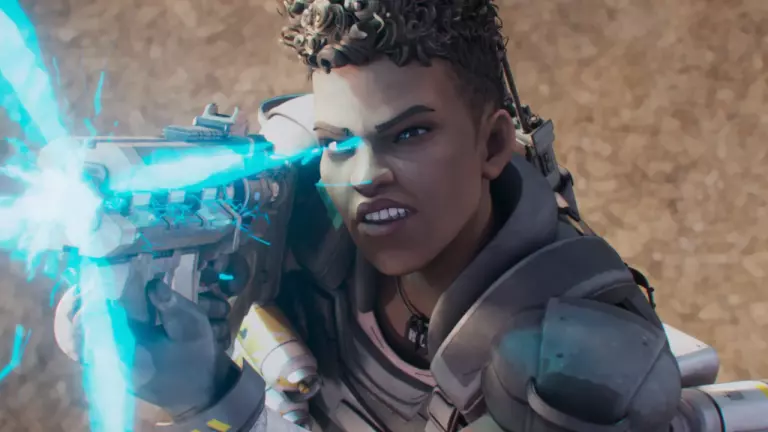
Once cross platform is allowed, go to the friends menu. Select the find friend button and type the EA ID of the player that wishes to join a premade lobby. This will send an invite for them to accept. While doing this, the privacy setting of the original player can also be changed by going to the button that says “Allow users to search for me.” Options such as email address, PSN Online ID, Xbox Live gamertag, and Nintendo Nickname will appear, and players can choose from there.
The other players will receive the original player’s friend request once added. This can be accepted, rejected, or even blocked. Once the friend request is accepted, both will become in-game friends and can now play together in the same match.





Related Articles
All Apex Legends News Apex Legends
 Apex Legends
 Apex Legends
 Esports
 Apex Legends
 Apex Legends
 Apex Legends
 Apex Legends
 Apex Legends
 Apex Legends
No comments yet










Leave a Comment
Join our community or access your account to post a comment.