


How to Play League of Legends on Linux



Playing League of Legends on Linux has gotten more difficult since Riot adopted Vanguard anti-cheating measures, but it isn’t impossible.
Linux isn’t the most popular operating system for LoL by a long shot, but many choose to use it due to its open-source nature. However, as of April 2024, Riot made League harder to play on Linux with their new Vanguard software due to software incompatibilities. Some Linux players have even jumped ship entirely. For those dedicated enough, installing League on Linux is just a matter of time and effort
Here’s how to play League of Legends on Linus using handy fan-made software.
Ways to play League on Linux
The easiest way to play League of Legends on Linux is to either use the Lutris method or hook up an external drive.
Lutris is a free and open-source GUI game platform that works by “combining existing emulators, engine re-implementations and compatibility layers” to build a central interface. Before set-up, players should make sure that their graphics drivers are up to date as well as download the Wine HQ compatibility layer. They can then follow the steps below to set up the League client on Linux.
- Install Lutris
- Use the Sources sidebar to connect the Lutris account and other game store accounts
- Enable game store integration through the Services tab
- Install needed runners through the Runners tab, which are programs like emulators and game engines
- Install game library and other game clients
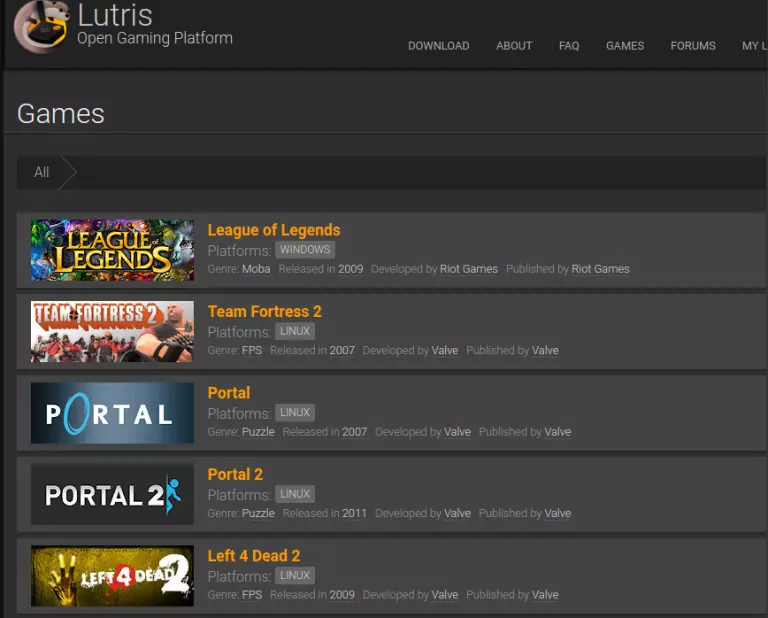
Otherwise, players can get an SSD to use as an external drive and play LoL. The biggest pro of this approach is the ability to use and remove the SSD without having to actually install anything.
What’s going on with Vanguard and Linux?
Riot Games is using Vanguard to prevent cheating, which also locks out most League of Legends players who use Linux servers.
In early 2024, Riot announced that it was adopting Vanguard in League after seeing Valorant’s success with the program. With a concurrently-running client and kernel mode driver, Vanguard both provides data security and catches bots/cheating accounts. Some players are upset that Riot is monitoring their play, while others don’t seem to mind.
Vanguard in LoL has already banned almost 50K accounts, but daily player numbers are unaffected
byu/Aithusa_Here inleagueoflegends
Most Linux game clients involve emulation of some sort. The anti-cheating software sees that the environment has been altered and thus doesn’t allow the game to run. However, as seen above, running League on Linux can be roundabout but doable. Those who don’t want to give up their open-source platform to play LoL don’t have to. Not yet, at least.



Related Articles
All LoL News

 Esports
 LoL
LoL LoL
LoL LoL
LoL LoL
LoL LoL
LoL Esports
 LoL
LoLNo comments yet











Leave a Comment
Join our community or access your account to post a comment.