


Is AMD FreeSync good for CS2?


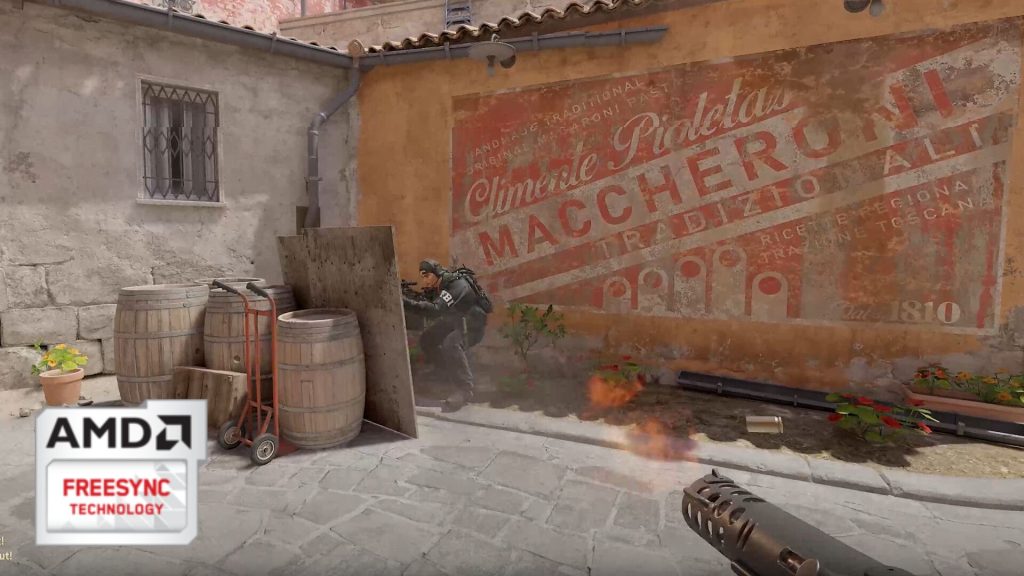
CS2 is one of the most competitive shooters out there, so any tool that gives players an advantage like AMD FreeSync is a welcome one.
PC gamers are always looking to improve their eqipment, either by using a better mouse, a powerful PC, or a high-refresh rate monitor. A good monitor is critical to doing well in competitive games, especially a high-stakes round-based one like CS2. A high refresh rate means more information will be displayed on the monitor, leading to better game awareness. That’s why many professional players opt for a higher refresh rate monitor rather than a high-resolution one. Most professionals play at a lower resolution, too, which brings the action closer to the screen for better visibility but also lets their PC achieve high frame rates.
CS2 players at home can also optimize their displays with features like FreeSync and G-Sync, but not everyone can take advantage of those features.
What does AMD Freesync do in CS2?
Freesync is a technology that synchronizes CS2’s frame rate with the monitor’s refresh rate, provided the player has an AMD graphics card and a compatible monitor.
PC displays on standard, inexpensive monitors have a set refresh rate, typically 60 hertz. That means the monitor can display 60 frames in a second, anything more, and it won’t be able to display additional frames. So, if a PC is not strong enough to consistently hit 60 frames on a 60 Hz display, the experience could become jarring. If a PC is too strong, the monitor struggles to display additional frames and screen tearing happens.
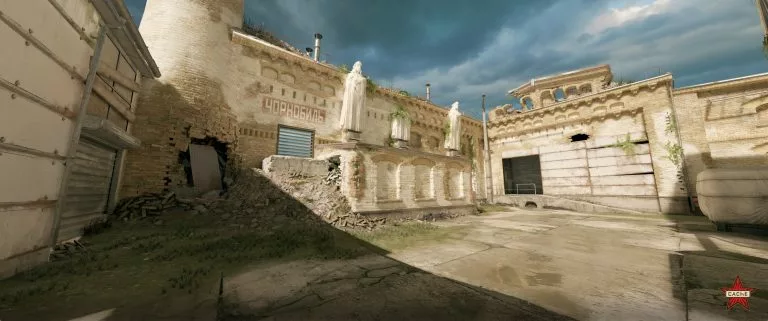
Image credits: Valve
All these issues can be resolved by using AMD FreeSync for CS2, making the overall experience smoother and more reliable. AMD Freesync automatically matches the refresh rate of a compatible monitor with generated frames, resulting in much smoother gameplay.
What’s G-Sync for CS2?
G-Sync is Nvidia’s proprietary technology, and CS2 players can use it to match frames generated by their PC with their monitor’s refresh rate.
Like Freesync for CS2, which can only work with AMD GPUs, G-Sync only works on Nvidia GPUs. Players will also need a G-Sync-compatible display to take full advantage of the feature. To avoid screen tearing, players should also use V-Sync, which restricts the frame rate to match the refresh rate of the monitor. However, it can introduce some minor input lag, which can in turn be solved by using Nvidia Reflex.
Using Freesync or G-Sync for CS2 will give players a better, smoother, and more reliable experience when playing competitive matches. However, both technologies require dedicated gear, including GPUs and compatible displays. The advantage is significant and can result in better in-game performance.




Related Articles
All CS2 News CS2
CS2 CS2
CS2 CS2
CS2 CS2
CS2 CS2
CS2
 CS2
CS2 CS2
CS2 CS2
CS2 CS2
CS2No comments yet











 3v3 League. EA FC25 (2x3 min)


 World Cup. EA FC 25. (2x4 min)


 Germany. Bundesliga. EA FC 25. (2x4 min)


 Spain. LaLiga. EA FC 25. (2x4 min)


 Copa Libertadores. EA FC 25. (2x4 min)






Leave a Comment
Join our community or access your account to post a comment.