


The easiest sensitivity converter guide for Spectre Divide


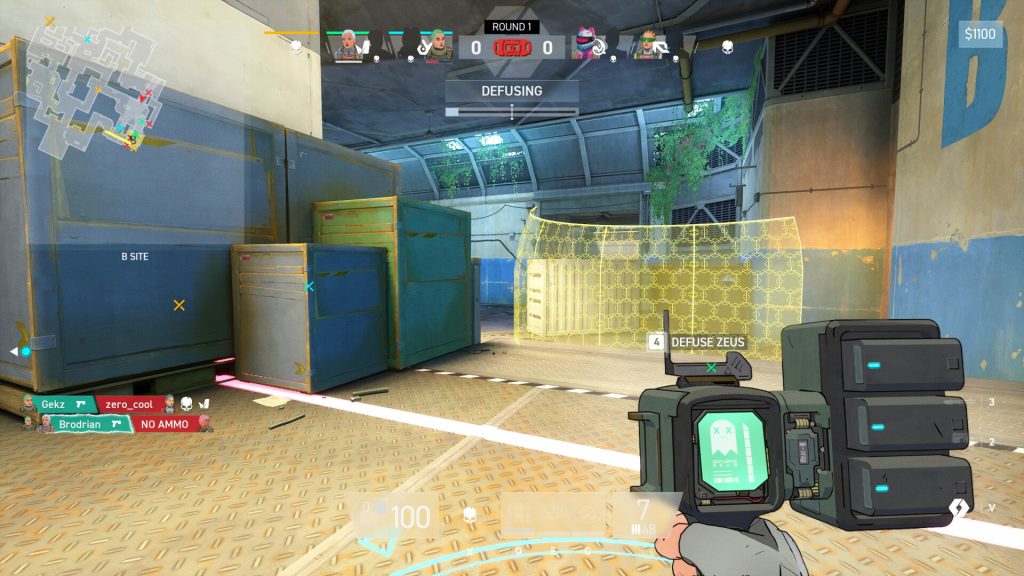
Spectre Divide introduces some new concepts to the FPS genre, but it’s still a shooting-focused game at its heart. Those new to Spectre Divide can quickly adjust to its movement using the Spectre Divide sensitivity converter.
Spectre Divide stays true to the original gunplay you’d see in traditional shooters like Counter-Strike 2, Valorant, and more, but it throws in a unique twist of Duality. Seasoned FPS players may find it a tad tricky to adjust to the two-player model of the game, but fortunately, shooting is quite similar to competitor titles. However, finding the perfect sensitivity can help breeze through the Spectre Divide ranks.
Sensitivity converter guide for Spectre Divide
There are multiple ways to convert Spectre Divide sensitivity from different games. Those who play popular titles can convert their sensitivities by finding the right conversion factors or multipliers. Here are some popular ones:
- Overwatch 2: Divide your Overwatch 2 sensitivity by 10.6
- Warzone: Divide your Warzone sensitivity by 10.83
- Counter-Strike 2: Divide your CS2 sensitivity by 3.18
- Fortnite: Divide your Fortnite sensitivity by 12.6
- Valorant: Exact same number
To find the ideal Spectre Divide sensitivity, simply divide an Overwatch sensitivity by 10.6. For example, if a player’s Overwatch sensitivity is 7, dividing it by 10.6 gives a perfect Spectre Divide sensitivity of 0.66. Strangely, Valorant players can use the exact same sensitivity in Spectre Divide.
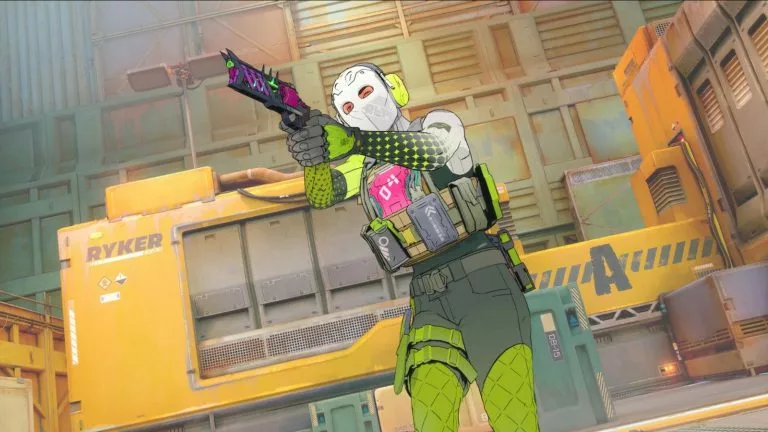
For those coming from less popular FPS titles, we recommend using Spectre Divide sensitivity converters like Aiming.pro. This free software lets you input game sensitivity and converts it automatically to Spectre Divide sensitivity.
How to change sensitivity in Spectre Divide
Once you get the final number, start Spectre Divide and go to Settings. Now, click on General and find the option to change sensitivity. Keep dragging the bar until you land on your ideal sensitivity. Alternatively, you may simply input your sensitivity value right next to the bar.
Even with the perfect sensitivity number from a converter, fine-tune it in-game to ensure a natural feel. Converting sensitivity is just the starting point; you’ll need to adjust it to harmonize with Spectre Divide’s unique movement and gunplay mechanics.
While perfecting your Spectre Divide sensitivity, explore why surrendering on Valorant console is not an option.



Related Articles
All Gaming News
 LoL
LoL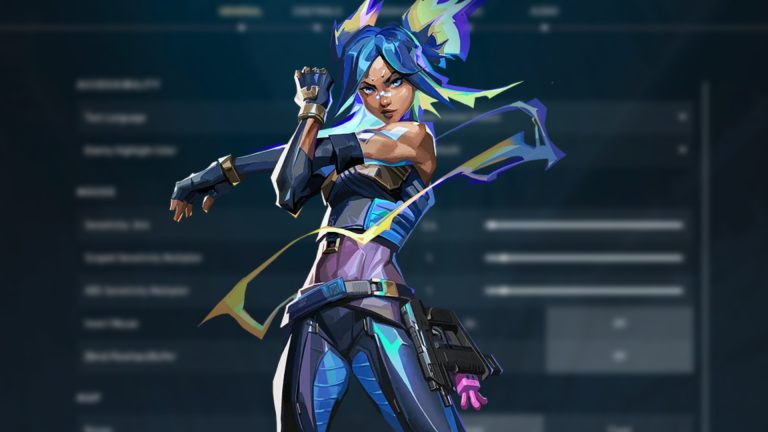
 Valorant
 CS2
CS2 Valorant
 Gaming
 Dota 2
 Fortnite CS2
 Gaming
No comments yet









 Italy. Seria A. EA FC 25. (2x4 min)


 World Cup. EA FC 25. (2x4 min)


 Germany. Bundesliga. EA FC 25. (2x4 min)


 Champions League. EA FC 25 (2x4 min)


 England. Premier League. EA FC 25. (2x4 min)







Leave a Comment
Join our community or access your account to post a comment.