


All essential viewmodel commands to know in CS2


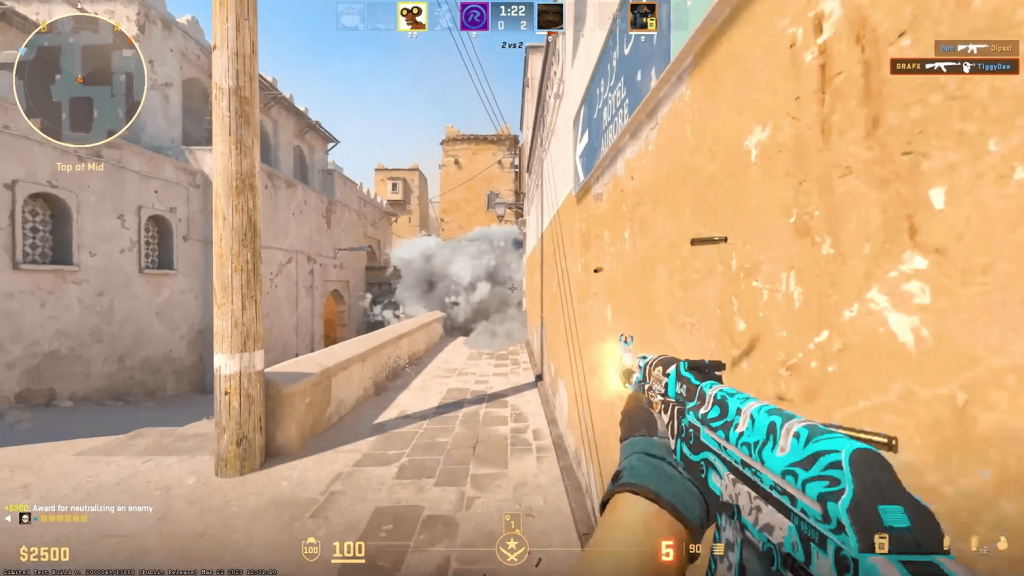
Players who are serious about CS2 should make sure they known how viewmodel commands work and how to optimize them.
Counter-Strike 2 has a lot of moving parts that players need to keep in mind when playing the game. From practicing one of several crucial roles to working on becoming competitive in Premier, there’s always a new skill to learn or perfect. Even setting changes, such as editing the field of vision or viewmodel settings, can sometimes be the difference between a good player and a great one.
Here are the available viewmodel commands that players can use to affect their screen and weapon positioning in CS2.
Every essential viewmodel command in CS2
CS2 has six important viewmodel commands available to players so they can personalize their gaming experience.
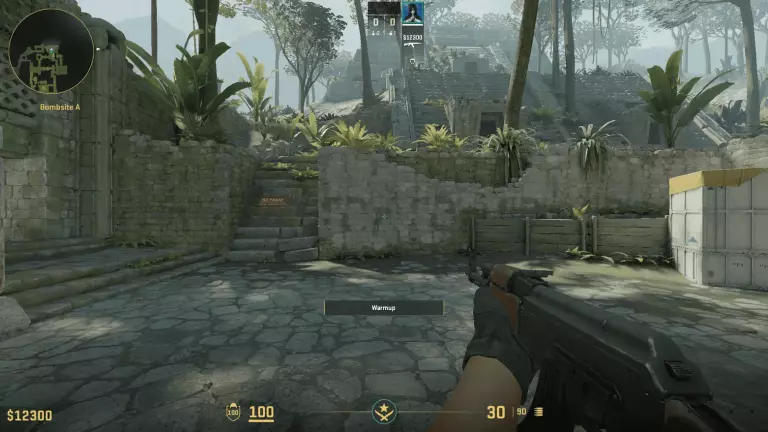
Using viewmodel commands, players can change three main things: their field of vision, the positioning of their weapon, and the recoil. Most of these parameters depend on how close or far away the main player is from their screen and personal preferences. To edit viewmodel commands, players need to make sure they have Enable Developer Console turned on from the settings menu. Then during the match, they can type a tilde (~) to access the console and enter any of the following commands.
- viewmodel_fov [54 to 68]: changes how much of the weapon is visible on screen
- viewmodel_offset_x [-2.5 to 2.5]: changes how far left or right the weapon is on screen
- viewmodel_offset_y [-2 to 2]: changes how close or far the weapon is to the screen
- viewmodel_offset_z [-2 to 2]: changes how low or high the weapon is on screen
- viewmodel_presetpos [1, 2 or 3]: sets the viewmodel to desktop, couch, or classic settings
- viewmodel_recoil [0 to 1]: changes the amount of recoil a player feels, decreasing from one
Notably, playing around with the viewmodel commands in CS2 won’t change any actual gameplay mechanics. Depending on a user’s preferences and practice, however, they may be able to see an improvement in performance.
Recommended viewmodel settings
One of the most recommended viewmodel command lines in CS2 shifts the weapon of choice to the bottom right-hand side of the screen.
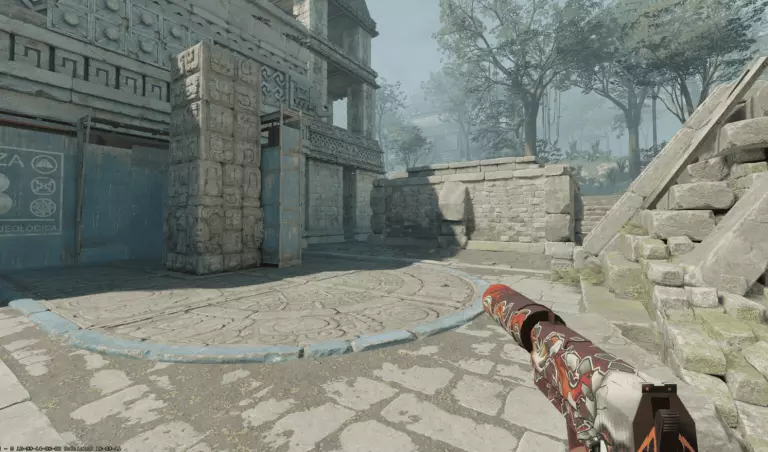
Many players find that offsetting their weapon to be at the bottom right lets them see more of the map. A smaller FOV also allows for a more zoomed-in view that also achieves a greater visibility at longer distances. Here are the settings to achieve this.
- viewmodel_fov 54
- viewmodel_offset_x 2.5
- viewmodel_offset_y –2
- viewmodel_offset_z -2
Players can and should experiment around with different viewmodel commands before committing to one. If they test out too far, they can use the command viewmodel_presetpos to return back to one of three preset views. Those who have perfected their viewmodel and FOV should check out other settings from CS2 pros like Danil “donk” Kryshkovets and mIlya “m0NESY” Osipov.



Related Articles
All CS2 News CS2
CS2 CS2
CS2 CS2
CS2
 Esports
 CS2
CS2 CS2
CS2 CS2
CS2 CS2 CS2
 CS2
CS2No comments yet



 Cyber Games 2026: European Qualifier


 BLAST Open Fall 2026


 ESEA Advanced Season 58 Europe


 ESL Challenger League Season 52: South America - Cup


 ESEA Advanced Season 58 North America







Leave a Comment
Join our community or access your account to post a comment.