


The best CS2 launch options to instantly improve


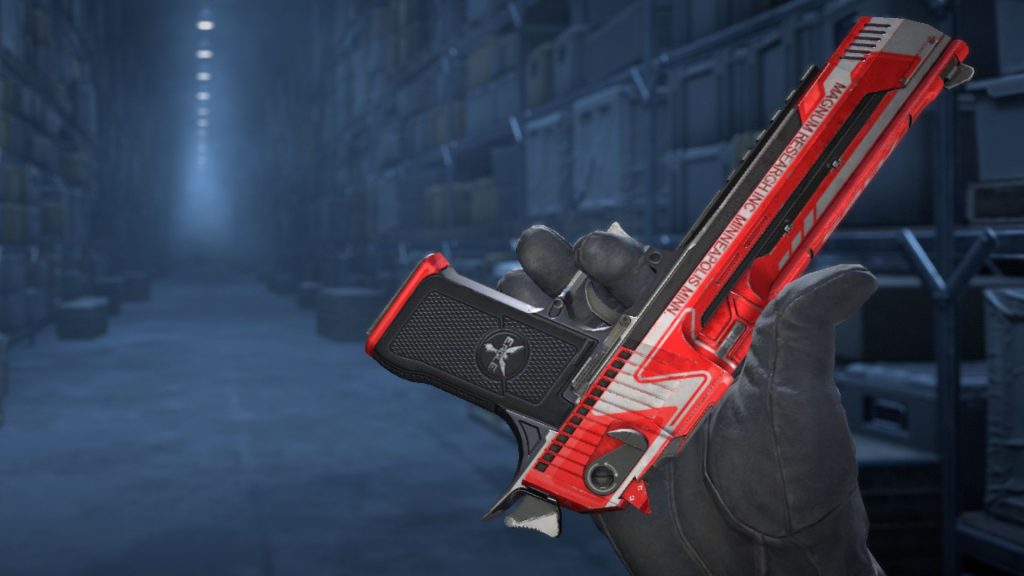
CS2 launch options do exist, but do players need them to thrive?
Counter-Strike 2 is a game that belongs on PC. With the franchise’s roots as a Half-Life mod, the game has never strayed from the path of keyboard and mouse. Of course, every player in the world has a different setup, be it high-end gaming rigs or potato PCs. For some players, utilizing CS2 launch options may improve their performance and get them one step closer to their competitive best.
However, are these launch options as useful as they sound, or are they best left untouched?
Do you need to use launch options in Counter-Strike 2?
Most players don’t need to use CS2 launch options but everyone can benefit from them.
In many communities, players will suggest not touching the CS2 launch options at all. Unlike typical settings, launch options can only be enabled through console commands outside of the game. For players unfamiliar with the technological side of game settings, aimlessly playing with them could result in a nightmarish game experience. When in doubt, it’s best to stick to the settings that Valve has in its in-game menu and go from there. Still, some players may want to boost their settings even further, whether for efficiency or to optimize a lower-spec PC.
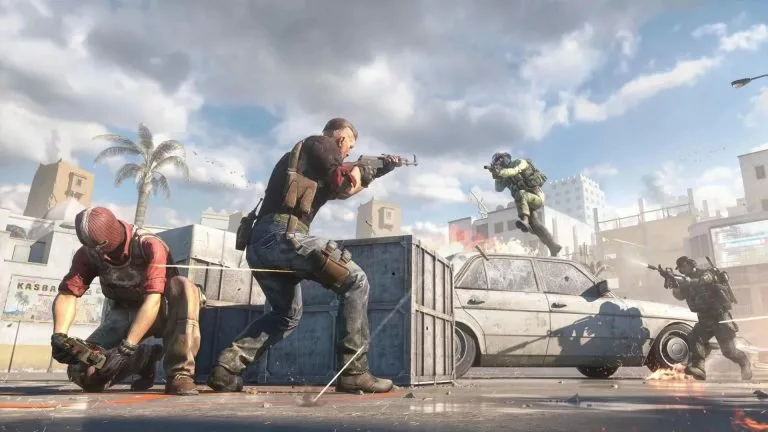
To set launch options via Steam, go to Library, right-click on Counter-Strike 2, and click on Properties. From there, go to launch options to open the command field. The field is where players can copy and paste the following console commands.
The best CS2 launch options
Here’s a handy list of CS2 launch options that should improve the game’s performance. Simply copy and paste the following line into Steam.
+fps_max 0 -nojoy -softparticlesdefaultoff +violence_hblood 0 +r_drawparticles 0 -console -novid
Each of these launch options performs a specific feature designed to improve performance or make CS2 easier to play.
+fps_max 0
Removes the FPS cap
-nojoy
Removes joystick support for more potential RAM
-softparticlesdefaultoff
Disables particle effects blending to reduce GPU strain
+violence_hblood 0
Removes blood from the game. May not work on certain PCs
+r_drawparticles 0
Disables particle animations to reduce GPU strain
-console
Enables dev console by default for convenience
-novid
Removes the videos on game startup
The changes above do not significantly affect the visual quality of CS2. At worst, these CS2 launch options will do nothing. At best, they will give your CS2 game a bit of a boot in performance. Other commands may cause stuttering at best, and crash the game at worst. Stick to the above, and consider going for low settings before anything else.



Related Articles
All CS2 News CS2
CS2 CS2
CS2 CS2
CS2 CS2
CS2 CS2
CS2 CS2
CS2
 Esports
 CS2
CS2 CS2
CS2 CS2
CS2No comments yet



 Ranked Episode 4: Closed Qualifier


 Intel Extreme Masters Beijing 2026: Global Qualifier
 THE POKAL 2026


 CCT South America 2026 Series 5


 CN League 2026 - Stage 2






Leave a Comment
Join our community or access your account to post a comment.