


How to fix the “Under Maintenance Error” message in LoL


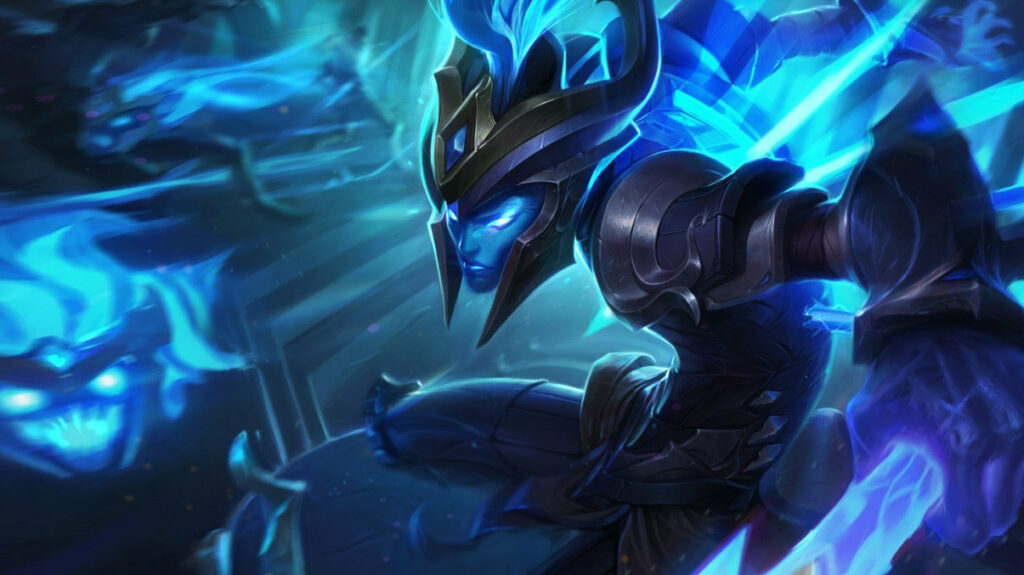
League of Legends has plenty of unique and frustrating bugs, but the “Under Maintenance Error” is likely lying to players about what exactly is causing it, so here’s how to fix it in LoL.
League of Legends has no shortage of odd bugs and errors, especially when it comes to the infamous League of Legends client. Plenty of these errors have relatively straightforward explanations, while others can turn out to be much more difficult to resolve. The “Under Maintence Error” notification is one of the more complicated ones, as it can be misleading about the actual issue at hand. Here’s what really causes the “Under Maintenance Error” in League of Legends and how to solve it.
What causes “Under Maintenance Error” in LoL?
Unlike many LoL errors, this issue is likely caused by the player trying to launch League of Legends while specifically using the Linux operating system, or a derivation thereof. It’s not exclusive to Linux users, but those using the customizable OS are much more likely to run into it.
Regardless of the reasons for encountering the issue, it can be quite frustrating. Fortunately, there are some steps players can take it fix it.
How to solve LoL “Under Maintenance Error”
- Download and open the Hextech Repair Tool, which can be downloaded for free directly from Riot Games.
- Boot up the Hextech Repair Tool, let it debug your League of Legends client, and this may solve the issue itself without any further steps being required.
- If the Hextech Repair tool doesn’t initially solve the error, find the RiotClientServices.exe.old file (The default path is C:Riot GamesRiot ClientRiotClientServices.exe.old), and delete this file.
- Find the ucrtbase.dll file (The default path is C:Riot GamesRiot Clientucrtbase.dll), and delete this file.
- Run the Hextech Repair Tool again with both the RiotClientServices.exe.old and ucrtbase.dll file already having been deleted.
- If the Hextech Repair Tool doesn’t alert you to any further errors, everything should be fine at this stage and you should be able to play League of Legends without further issue.
- Reboot the League of Legends client and try to launch the game again.
If none of these steps work, you’re best off going to the developer itself and filing a ticket with Riot Games player support. You can also use the Hextech Repair Tool to package your game files into a .zip file that you can send to Riot Games support to allow them to dig through your game data to potentially find the issue manually. Once that issue is discovered, support staff will follow up with you regarding a solution.
That’s everything you need to know to solve the “Under Maintenance Error” in League of Legends. For most players it can be easy enough to fix using official tools, but if not, Riot support staff will hopefully be able to do the job for you.





Related Articles
All LoL News

 Esports
 LoL
LoL LoL
LoL LoL
LoL LoL
LoL LoL
LoL LoL
LoL Esports
No comments yet




 Brasileirao Serie A. EA FC 25. (2x4 min)


 World Cup. EA FC 25. (2x4 min)


 3v3 League. EA FC25 (2x3 min)


 CIS LAN Championship 7


 Arena of Glory Winter 2026







Leave a Comment
Join our community or access your account to post a comment.